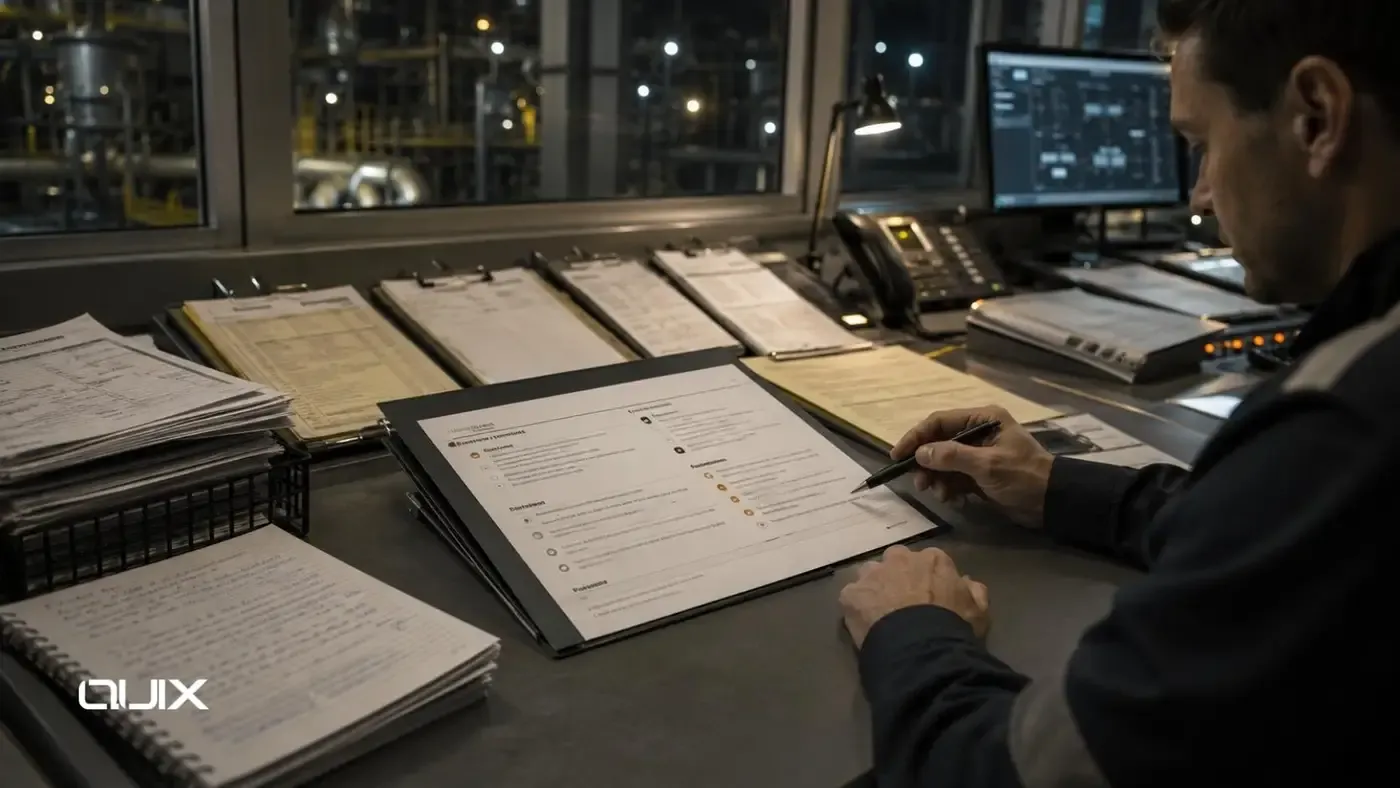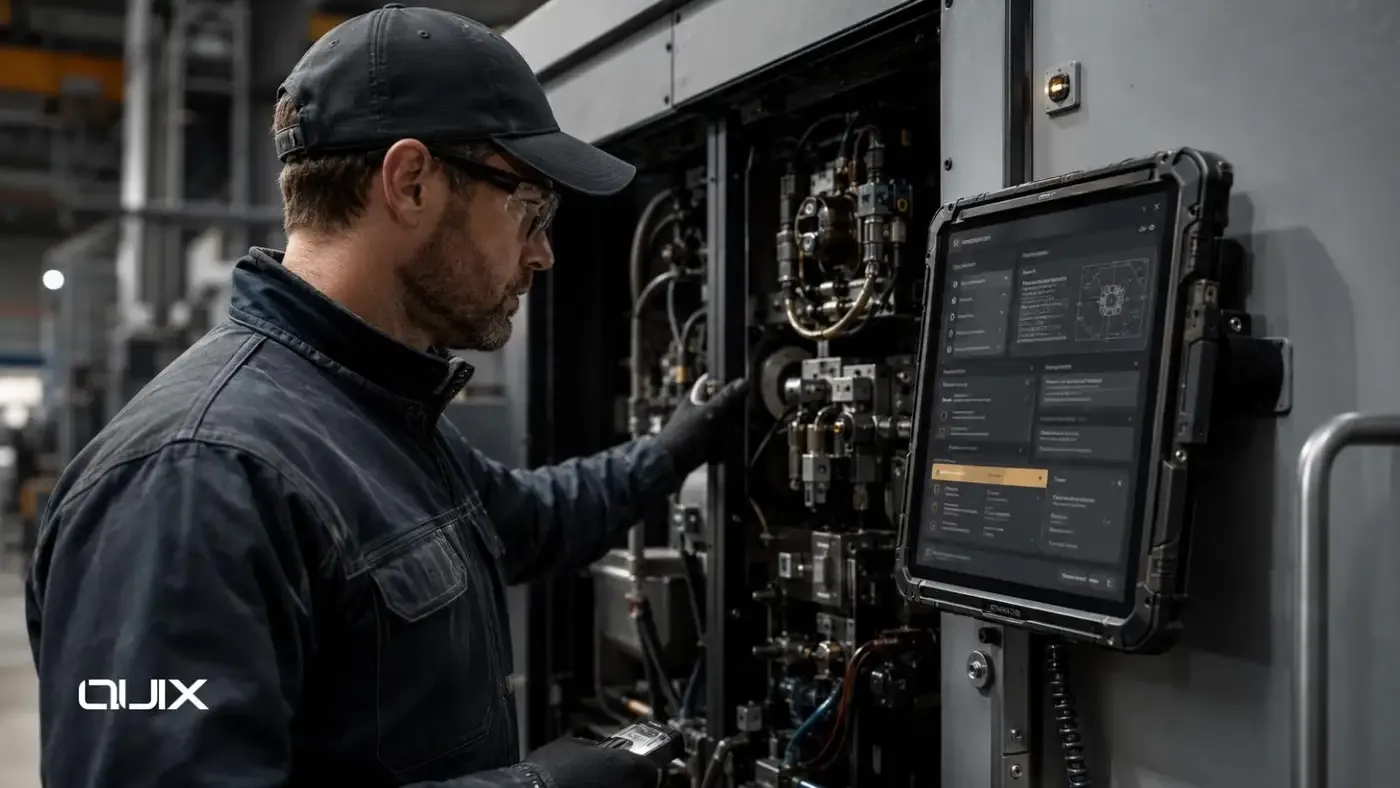
There is a meaningful difference between deploying a general-purpose AI assistant that employees can use for anything and designing a role-specific AI copilot that helps a specific team do their specific work better. The first is an experiment. The second is a tool.
Generic AI chat interfaces provide generic benefit: somewhat faster drafting, somewhat easier research, somewhat quicker responses to common questions. Role-specific copilots provide targeted benefit: a legal team copilot that has access to the organization's contract library and can answer questions from the actual contracts; a finance copilot that can retrieve and explain line items from the current period's reports; a sales copilot that can summarize account history from the CRM and suggest next actions based on pipeline stage.
The design work that turns a general AI interface into a useful role-specific copilot is what determines whether teams adopt it as a genuine productivity tool or use it occasionally for simple tasks and otherwise continue working as they did before.
Executive Summary
Enterprise AI copilots for internal teams are role-specific AI assistants designed around the knowledge, tools, permissions, and tasks of a particular function. They provide access to team-relevant data, support team-specific workflows, and operate within guardrails that define what the copilot should and should not do.
The difference between a useful copilot and a generic interface is the specificity of the design: which knowledge sources the copilot accesses, how it retrieves and grounds its responses, which workflows it integrates with, what tasks it is designed to assist with, and what behavior guardrails prevent it from operating outside its intended scope.
The Enterprise AI Copilot Design Framework
Step 1: Define the Role and Task Scope
Copilot design begins with a precise definition of who the copilot serves and what tasks it is designed to assist with. The task scope should be specific: not "help the sales team" but "help account executives retrieve account history, draft follow-up emails, and summarize call notes from CRM records."
Task scope definition should involve the actual users — the account executives, not just the sales director. Users know which tasks consume disproportionate time, which require information retrieval that is currently painful, and which produce output quality that varies too much across team members.
Step 2: Map Knowledge Sources and Access Permissions
A role-specific copilot should have access to the knowledge sources that are relevant to the role's tasks — and only those sources. A finance copilot that has access to legal documents it does not need is unnecessarily expanding the data exposure surface. A sales copilot that cannot access CRM records is missing the primary knowledge source it should be grounded in.
For each knowledge source, access permission design must specify: which documents or data types are included, which user roles can access them through the copilot (consistent with their direct access permissions), and how the retrieval layer enforces these permissions at query time.
Step 3: Design the Retrieval and Grounding Architecture
A well-designed copilot retrieves relevant information from authorized sources before generating responses. For document-heavy use cases, this means a RAG architecture that queries the relevant knowledge base and grounds the copilot's response in specific retrieved documents with citations. For operational data use cases, this means integration with CRM, ERP, or operational platform APIs that return current, structured data.
The retrieval design should be optimized for the query patterns specific to the role. A legal copilot receives queries that are often interpretive and open-ended. A finance copilot receives queries that are often numerical and specific to a time period. These different query patterns require different retrieval configurations to produce useful results.
Step 4: Define Guardrails and Behavioral Constraints
Guardrails define what the copilot should not do: provide legal advice to non-lawyers, make financial recommendations beyond its authorized scope, access data outside the defined permission set, generate content that the role is not authorized to produce, or take actions in connected systems beyond those explicitly defined in its tool set.
Guardrails are implemented through system instructions that define role, scope, and constraints; retrieval filtering that enforces data access boundaries; tool definitions that limit what system actions the copilot can take; and output handling that routes certain output categories to human review.
Step 5: Integrate with Workflow
The most adopted copilots are those that are embedded in the workflow rather than accessed as a separate interface. A copilot accessed through a browser tab that must be switched to from the primary work environment creates friction. A copilot embedded in the CRM sidebar, the document editor toolbar, or the project management interface is in the right place at the right time.
Workflow integration also means that copilot-generated outputs can be acted on without copying and pasting: a draft response that can be sent with one click, a summarized account record that can be saved to the CRM directly, an extracted data point that populates the relevant field automatically.
Step 6: Measure and Improve
Copilot adoption measurement should go beyond login counts. Meaningful adoption metrics include: task completion frequency (how often is the copilot used for the tasks it was designed to assist with?), output acceptance rate (what proportion of copilot-generated drafts are used with minimal modification?), and time displacement (has the time spent on target tasks decreased measurably since the copilot was deployed?).
Quality measurement captures what the adoption metrics cannot: are the copilot's responses accurate, relevant, and grounded in the knowledge sources it has access to? This requires a structured evaluation process — not just user satisfaction surveys, but assessment of response quality against defined criteria.
What a Copilot Should and Should Not Do
|
Design Decision |
Copilot Should |
Copilot Should Not |
|---|---|---|
|
Knowledge retrieval |
Answer from cited, authorized sources |
Generate from training data for enterprise-specific facts |
|
Task assistance |
Draft, summarize, extract, research within scope |
Perform actions outside defined tool set |
|
Data access |
Access sources consistent with user permissions |
Access data user would not have direct access to |
|
Output generation |
Produce drafts for human review and sending |
Send customer communications autonomously |
|
Decision support |
Surface relevant information and options |
Make binding decisions on behalf of the user |
|
Scope behavior |
Acknowledge when a query is outside its scope |
Attempt to answer queries it is not designed to handle |
FAQ
What makes an enterprise AI copilot role-specific?
Role-specific copilots are designed around the knowledge sources, tasks, permissions, and workflows of a particular function. They retrieve information from team-relevant data with user-level permissions, assist with team-specific tasks, integrate into the team's primary work environment, and operate within guardrails that reflect the role's responsibilities and boundaries.
How does retrieval grounding improve copilot quality?
Retrieval grounding connects copilot responses to specific authorized sources rather than model training data. A copilot that answers from the organization's actual contracts, policies, or CRM records produces more accurate, more verifiable, and more trusted responses than one that generates from its training knowledge — which may not reflect the organization's specific documents, data, or current state.
What are copilot guardrails?
Guardrails define what the copilot should not do — access data outside defined permissions, take actions beyond its tool set, generate content outside its scope, or make decisions the role is not authorized to make. They are implemented through system instructions, retrieval filtering, tool definitions, and output handling requirements.
Why is workflow integration important for copilot adoption?
Copilots accessed as a separate interface create friction. Copilots embedded in the primary work environment — CRM sidebar, document editor, project management interface — are in the right place at the right time. The ability to act on copilot outputs without copying and pasting (send a draft, save a summary, populate a field) removes the final friction barrier.
How should enterprise AI copilot adoption be measured?
Beyond login counts, measure task completion frequency (how often is the copilot used for its target tasks?), output acceptance rate (what proportion of generated drafts are used with minimal modification?), and time displacement (has time spent on target tasks decreased measurably?). Complement with quality assessment against defined response accuracy criteria.