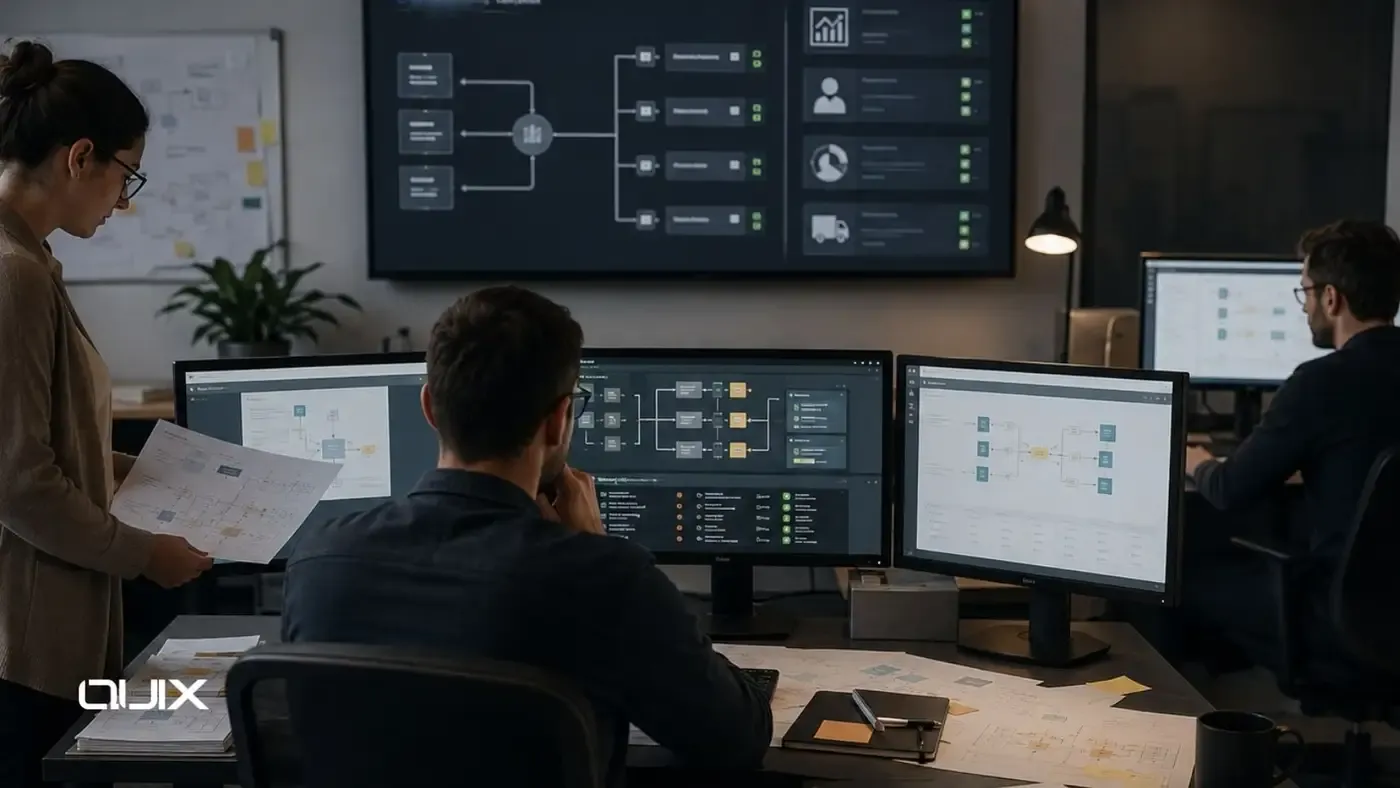
Data silos are rarely the result of bad decisions. They are the result of good decisions made locally, without a view of the broader system.
The sales team chose the CRM that best fit their workflow. Finance chose the accounting platform that met their reporting requirements. HR selected the system that automated onboarding most effectively. Each choice was reasonable. None of them included a plan for how the data these systems generate would be shared with the others.
Over time, the organization ends up with customer records in the CRM that do not match the account records in finance, employee data in HR that is not reflected in access management, delivery status in operations that is not visible to the sales team managing the account. The data exists. It is simply not connected.
Executive Summary
Data silos occur when data generated in one system is not reliably accessible to the other systems and teams that need it. They are caused by disconnected tools, absent data ownership definitions, manual export-based workflows, inconsistent data models across systems, and the absence of integration architecture.
The costs are real and compounding: degraded decision quality, operational inefficiency, blocked automation, inconsistent customer experience, compromised AI readiness, and reporting that cannot be trusted. The solution is integration architecture designed around explicit data ownership and governed data flows — not more storage, not more reporting tools, and not more manual processes.
What Causes Data Silos
Tool Selection Without Integration Planning
Every tool added to the enterprise landscape without an integration plan creates a potential silo. When tool selection focuses on functional capabilities and ignores integration requirements, the result is a landscape of capable tools that cannot communicate.
This is the most common cause of data silos in scaling enterprises: each department optimizes for its own operational needs and creates a tool landscape that is locally coherent but globally fragmented.
Absent Data Ownership
When no system is designated as the source of truth for a data entity, multiple systems maintain their own versions independently. Customer data is created in the CRM, partially replicated in the support platform, partially replicated in finance, and independently modified in each. Within months, none of the records agree.
The absence of data ownership is not just a governance gap. It is an integration design failure. Integration without defined ownership is synchronization without direction: data moves, but the conflicts it creates are as costly as the disconnection it was meant to address.
Manual Export Culture
Manual exports are the organizational response to data silos: because the systems do not share data automatically, teams develop workflows that periodically export from one system and import to another. These exports preserve the silo while adding operational cost. The data is never current, the export process is never reliable, and the team performing it is spending time on work that integration architecture would eliminate.
Inconsistent Data Models
When different systems model the same real-world entity differently — customer, order, employee, product — integration becomes a data transformation problem on top of a connectivity problem. A customer in the CRM may be defined by account name, account type, and account owner. A customer in the ERP may be defined by legal entity, billing address, and credit terms. Connecting these two representations correctly requires explicit mapping logic that must be maintained as either system evolves.
The Real Cost of Data Silos
The cost of data silos is typically invisible in the budget because it does not appear as a single line item. It is distributed across many parts of the organization as operational inefficiency, decision risk, and lost capability.
|
Cost Category |
Manifestation |
Business Impact |
|---|---|---|
|
Decision quality |
Leaders act on incomplete or conflicting information |
Strategic and operational decisions carry preventable risk |
|
Operational efficiency |
Manual data movement consumes team capacity |
High-value work displaced by data administration |
|
Automation barriers |
Automation cannot be built on data it cannot access |
Workflows that should be automated remain manual |
|
Customer experience |
Teams serve customers without full context |
Inconsistent, slower, or duplicated customer interactions |
|
Reporting reliability |
Reports from different systems conflict |
Leadership disagreement on metrics, slow reporting cycles |
|
AI readiness |
AI cannot access coherent operational data |
AI pilots do not reach production due to data access failures |
The Data Silo Diagnosis Framework
Before designing the solution, diagnose the silo structure accurately. Use this framework to identify where silos exist, how severe they are, and which ones to address first.
|
Diagnosis Question |
Silo Indicator If Answer Is... |
Priority |
|---|---|---|
|
Does each team have the same view of the same customer? |
No — teams see different information |
High |
|
Do reports from different systems agree on key metrics? |
No — metrics conflict between systems |
High |
|
Does data move between systems automatically? |
No — data moves through manual exports |
High |
|
Is there a defined source of truth for each major data entity? |
No — multiple systems claim authority |
High |
|
Can AI access structured operational data from all relevant systems? |
No — data is inaccessible or unstructured |
Medium-High |
|
Are there workflows that span systems with manual handoffs? |
Yes — manual bridging between systems |
Medium |
|
Are there shadow spreadsheets that supplement official systems? |
Yes — informal data management exists |
Medium |
Practical Remediation Steps
Eliminating data silos is an integration architecture project, not a data cleansing project. Cleaning data without fixing the architecture that generates silos produces temporary improvement that degrades as new data accumulates in the same disconnected pattern.
Step 1: Define Data Ownership
Designate the source of truth for each critical data entity. This is a governance decision that precedes every technical integration decision. Without it, integration creates conflicts; with it, integration can be designed to respect authority and propagate changes correctly.
Step 2: Design Integration Architecture
Design the integration layer that will move data between source systems and consuming systems. Select integration patterns appropriate to the volume, latency, and complexity requirements of each flow. Define error handling, conflict resolution, and monitoring requirements.
Step 3: Standardize Data Models
Where systems model the same entity differently, define the canonical data model that integration will use to translate between representations. This prevents the transformation complexity from accumulating inside individual integration connections.
Step 4: Eliminate Manual Export Workflows
Identify and replace manual export workflows with automated integration flows. Prioritize by operational cost — the most frequent, most time-consuming export workflows should be automated first.
Step 5: Establish Data Quality Governance
Install validation rules at integration boundaries. Monitor data quality metrics. Establish a process for identifying and correcting data quality issues at their source, not downstream. This prevents the reaccumulation of silo-equivalent data quality problems even after integration is established.
FAQ
What causes data silos in enterprise operations?
Data silos are caused by tool selection without integration planning, absent data ownership definitions, manual export-based data sharing, and inconsistent data models across systems. They are a system design failure, not primarily a storage or technology problem.
What is the most significant cost of data silos?
The most significant cost is degraded decision quality — leaders acting on incomplete or conflicting information. Combined with operational inefficiency from manual data movement, blocked automation, and compromised AI readiness, data silos create compounding costs across the organization.
What is the difference between fixing data quality and fixing data silos?
Fixing data quality without fixing the system architecture produces temporary improvement. New data accumulates in the same disconnected pattern. Eliminating data silos requires integration architecture that automatically shares data between systems and governance that defines data ownership and prevents conflicting updates.
How does data silo remediation affect AI initiatives?
Most enterprise AI initiatives that stall do so because the AI cannot access coherent, structured operational data. Eliminating data silos through integration architecture is often the prerequisite work that must be completed before AI deployment can progress beyond proof of concept.
Where should organizations start when eliminating data silos?
Start by defining data ownership for each critical entity. Then design the integration architecture that will propagate data from source systems to consumers. Then automate the highest-cost manual export workflows. Then standardize data models at integration boundaries. Data quality governance comes last and maintains what the architecture has established.